
How it works · Step 2 of 5
Configure the league
Build the competition around the way your club plays. Review the rules and player experience together before the season opens.
What happens in this step
Set the competition format
For a league, choose divisions and how often opponents meet. For a knockout, configure the supported singles or team format. American pool offers 8-ball and 9-ball; English pool includes recognised rulesets and local variations.
Make scoring clear
Choose the match format and the scoring options available for your game. Add local rules and plain-language guidance so players can understand the competition they are joining.
Review costs and app areas
Set the proposed entry fee and review the season licence capacity. Choose whether to include chat, personal practice and training. Changing a setup does not itself collect a payment.
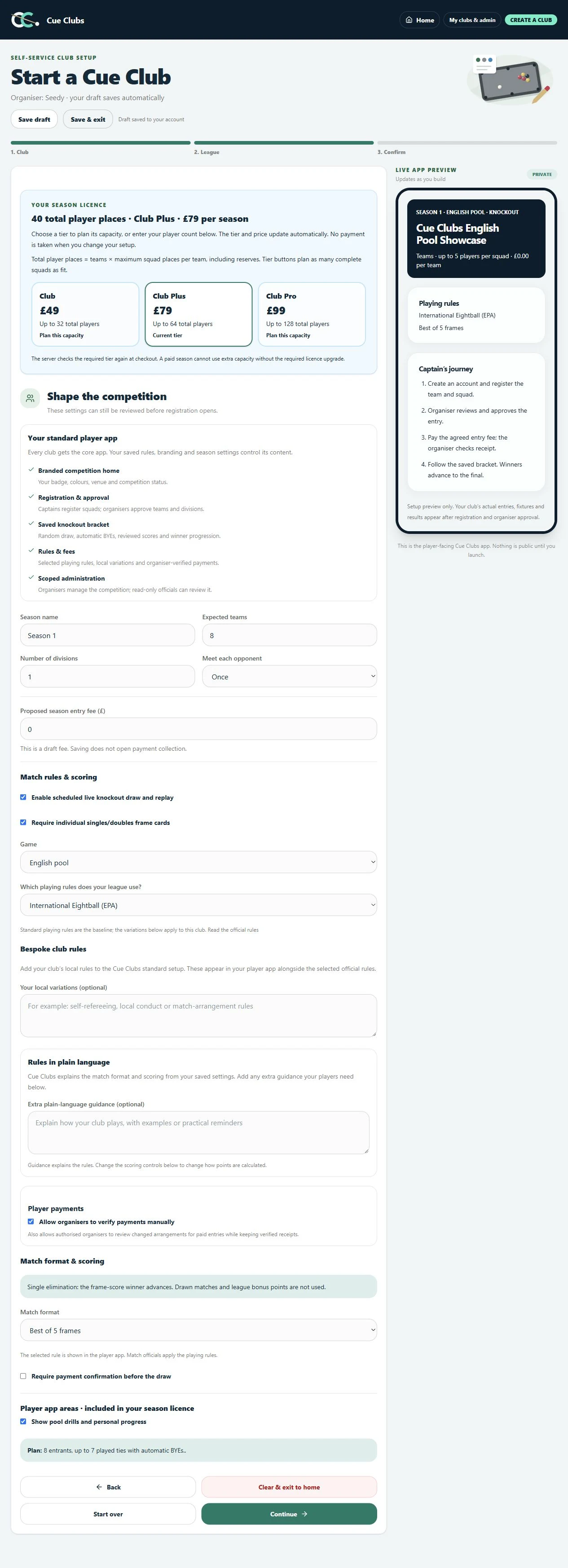
English pool competition settings
Configure the team competition, selected EPA rules, match format and practice options.
View full screenshot (opens in a new tab)The player experience
See where this leads.
Actual Cue Clubs screens with fictional example club data. Open any image to view the full screenshot.
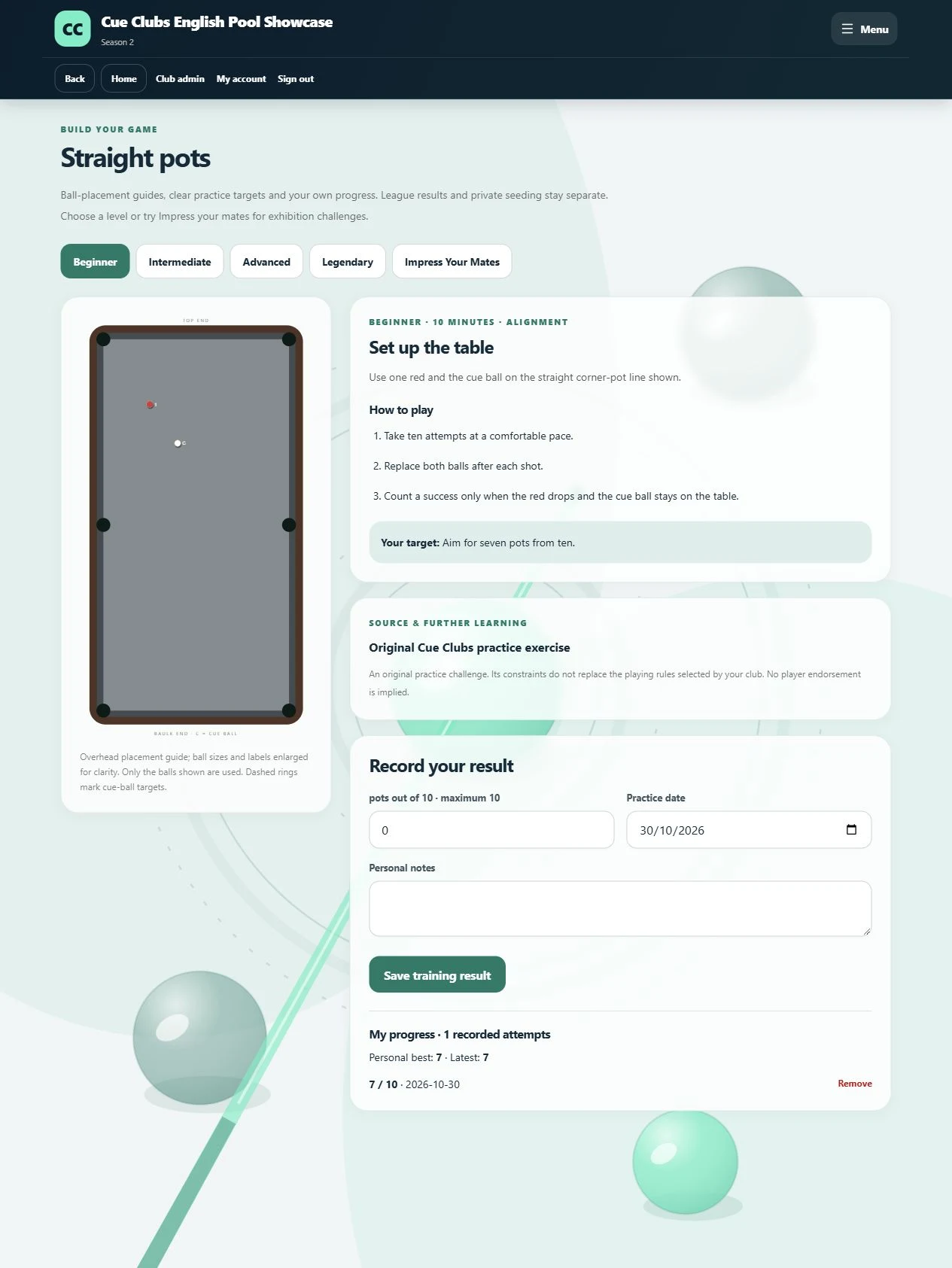
English pool practice and progress
An English pool drill with setup instructions and personal practice progress.
View full screenshot (opens in a new tab)